Recording the Work Itself: Timestamps, Photos, and Notes for Your Field Closeout
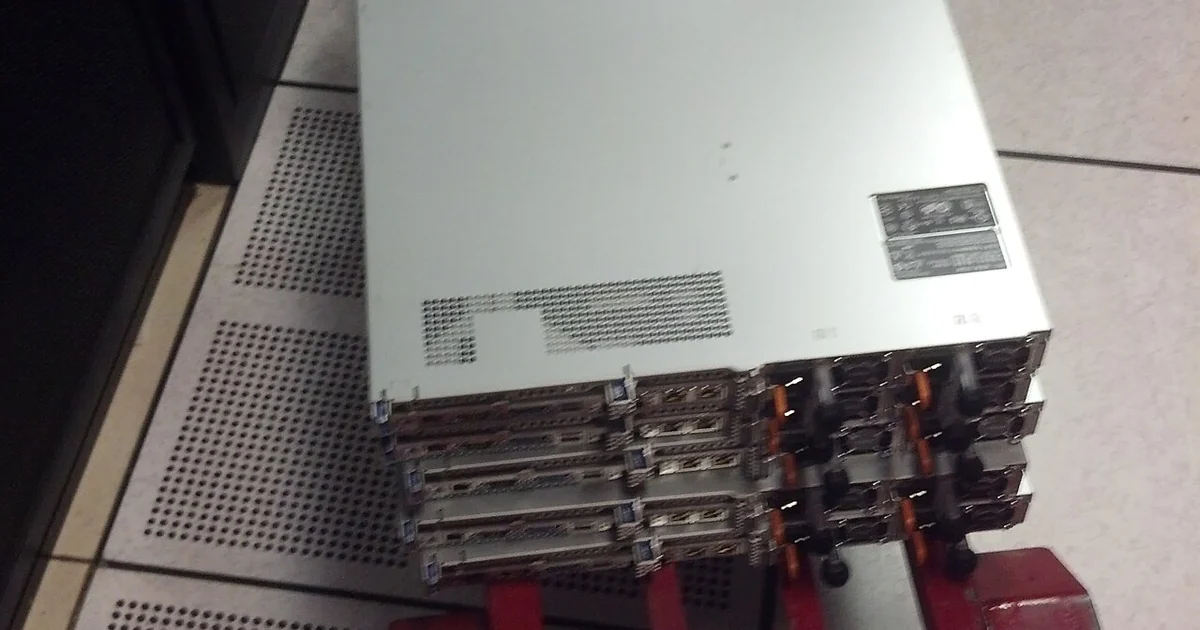
A field visit often feels finished the moment the equipment works and the customer signs off. But the record of that visit is what remains after the memory fades, the schedule moves on, and someone else asks what happened. This article focuses on one narrow question: how to capture the state of a job at the moment you close it, using a method you can repeat on every visit regardless of who assigned the work or what tools you carry.
Why the closeout moment matters more than the report
Most technicians write some kind of summary after leaving a site, but the summary is only as good as the facts it draws from. If the notes were typed from memory at the end of a long day, details such as which port was patched, which cable was swapped, or which setting was left at its original value tend to blur. A closeout record captured while you are still on site, or immediately after leaving, preserves those details more faithfully.
The goal is not to produce a polished document. It is to produce a dependable set of facts: what was found, what was changed, what was tested, and what remains open. Each of these four categories should be answerable from your record without relying on your recollection.
A four-part structure you can repeat
Organize your closeout around four questions. First, what was the condition on arrival? Note the observed state before you touched anything, including labels, error indicators, and any conditions that differ from what the work order described. Photograph this state when it is permitted and practical to do so, and record the time.
Second, what did you change? List every action in the order you performed it. Include the device identifier, the specific setting or component affected, and the old and new values where you can read them. A line such as 'replaced patch cable at rack position 4, previous cable reading unreliable, new cable tested' is far more useful than 'fixed connection.'
Third, what did you verify? State the test you ran, the tool or method you used, and the result. Record the values you saw, not just that the test passed. If a test could not be run because a dependency was unavailable, say so directly.
Fourth, what is still open? List anything you did not complete, any item that needs a decision from someone else, and any observation you could not resolve. An honest open-items list protects you as much as it informs the next person.
Questions to ask before you write the record
Before you finalize the closeout, check it against a short set of questions. Could a colleague who was not present reproduce the work from your notes alone? Does every change have a time, a location, and a before-and-after state? Did you distinguish what you observed from what you inferred? Is there any statement in the record that you cannot support with a measurement, a photo, or a note made at the time?
It is also worth asking who will read the record and what they will need from it. A customer may care most about the outcome and the open items. A later technician may need the exact configuration and the port map. Write the record so that the second group can find what they need without the first group having to explain it.
Comparing methods: notes, photos, and logs
Three common approaches to capturing a closeout each have trade-offs. Handwritten notes on a site sheet are quick and work without connectivity, but they are harder to search and can be lost or become hard to read. Photographs capture visual state precisely, yet they show only what is in frame and can raise privacy or site-access questions, so confirm what you are permitted to photograph before you start. Timestamped digital logs, whether in a dedicated app or a simple file, are easy to organize and search, but they depend on your device working and on your habit of entering information promptly.
Many technicians combine all three: a brief handwritten sheet during the visit, photos of conditions that matter, and a typed record completed within the same day. The combination reduces the chance that a single failure leaves you with no usable record.
A short closeout checklist
Before leaving a site, confirm that you have recorded the arrival condition, every change in order, the verification results with values, and the open items. Confirm that photos, if taken, are labeled with the location and time and that they respect any access restrictions. Confirm that you have noted the date, the site identifier used by the customer, and your own name or identifier. Finally, store a copy of the record in a place you control, so the record exists independently of the customer's system.
This method will not make a difficult job simple, and it does not replace the judgment you bring to the work. What it does is make your work visible and checkable, which is what closeout records are for. Build the habit on routine visits first, so that when a complicated job arrives, the method already feels natural.