Walking Into a Network Site Visit Prepared: A Pre-Arrival Method
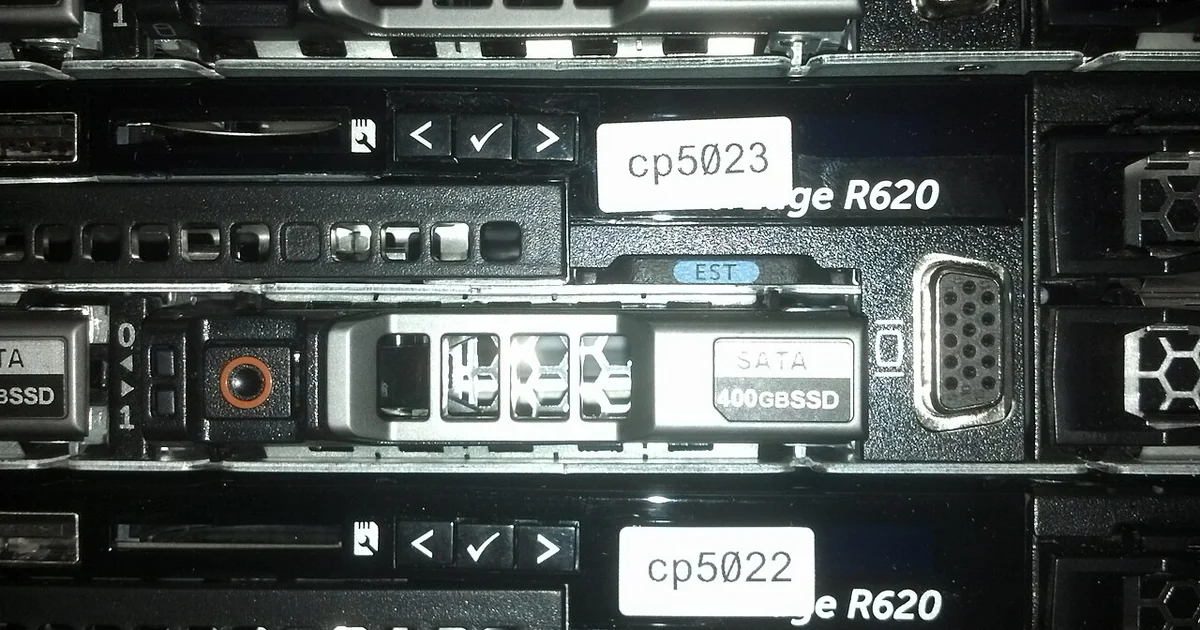
A network site visit often looks simple from the outside: arrive, check the equipment, fix or verify what is wrong, and leave. Experienced independent technicians know that most problems on these visits start before the vehicle leaves the driveway. Missing access details, unclear equipment ownership, and an undocumented starting condition can turn a short job into an argument about what was supposed to happen. This article lays out a pre-arrival method you can use for any network site visit, whether the work is a switch swap, a cabling check, an access point survey, or a basic connectivity verification. It is general educational guidance, not legal, financial, or insurance advice, and every decision about rates, schedules, and whether to take a job remains yours.
Confirm access before you confirm the time
Many site visits fail on access rather than technical skill. Before agreeing to a time, find out who controls the building, whether someone will be present to admit you, how you check in, and whether there are restricted areas such as comms rooms, roof spaces, or secured cabinets. Ask whether badges, escorts, or sign-in logs are required and how long they take.
Write down the answers in a single access note attached to the job. Include the contact name and a phone number that works during the visit, parking instructions, loading dock or entrance details, and any hours when work is not permitted. If the site contact cannot answer these questions clearly, treat that as information. It does not mean you should refuse the work, but it does mean you should plan for delays and document that you asked.
Inventory the equipment and the unknowns
Before the visit, list what you expect to find: device make and model if known, firmware or software versions, cable runs, patch panels, power sources, and any devices the site owner supplied or manages. Then mark each item as confirmed, reported, or unknown. The unknowns are the most important part of the list because they tell you what to ask on arrival and what to test first.
Clarify ownership of equipment and of any spare parts you may need to use. Ask whether the site owner expects you to supply consumables such as patch cords or connectors, and whether you should bring them or request them. Record the answer so that a later question about billing or responsibility has a written starting point.
Record a baseline before you touch anything
A baseline is a snapshot of the system as it is when you arrive. Photograph the rack or cabinet layout, label positions, and the current status indicators on key devices. Save configuration exports where you have permission to do so, and note the time, the person who met you, and the reported symptom in your own words.
The baseline protects you and the client. If a device behaves differently after your work, you can show what it looked like before you started. If the reported fault turns out to be something else, the baseline helps everyone see that the problem predates your visit. Keep baseline records together with the rest of your job notes rather than scattered across messages.
A short pre-visit checklist
Use this plain checklist before you leave for any network site visit. Confirm the arrival time and the on-site contact, and verify the access steps including badges, escorts, and restricted areas. Review the equipment inventory and mark which items are confirmed and which are unknown. Pack tools, test equipment, labels, spare cable, and any consumables you have agreed to bring. Check that your test tools are charged and that you have the software, credentials, or documentation you need, and only the access you have been authorized to use. Confirm the scope of work in writing, including what is included and what would require a separate conversation. Note the expected end-of-visit steps, such as a verification test or a sign-off from the site contact.
Comparing preparation levels can help you decide how much groundwork a job needs. A visit with confirmed access, a complete inventory, and a written scope usually allows a focused, predictable session. A visit with unknown access and a vague symptom report calls for a fact-finding first step, and you may want to quote that initial diagnostic separately rather than promising a fix. Either way, the method is the same: find out what you do not know before you are standing in the server room with a ticking clock.